What is Pressria Bridge?
Pressria Bridge is a True Shape Nesting automation PC app for keychains, stickers, and short-run printing. Drop PDF files and get automatic NFP polygon nesting with direct export to Adobe Illustrator.
What file formats are supported?
Supports PDF files with cut lines. Also supports PNG and JPG images with automatic background removal and cut line generation.
Does the Illustrator plugin require separate installation?
No. The Adobe Illustrator plugin is automatically installed with Pressria Bridge. After installation, access it via Window → Extensions → Pressria Bridge 1.0.0.
What is group nesting?
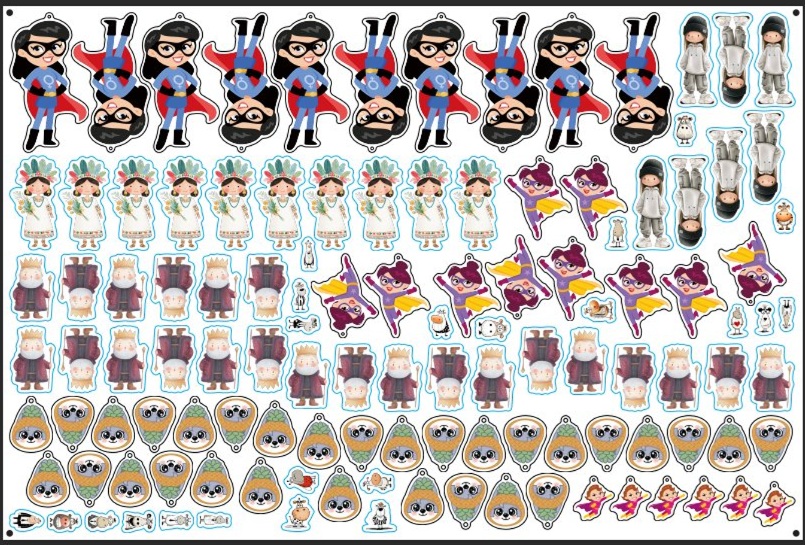
Group nesting arranges identical designs together based on order quantities, making post-cut sorting much easier. Remaining space is automatically filled with individual parts using the NFP algorithm.
How is PB's group nesting different from other nesting tools?
Conventional nesting tools do one of two things. They scatter individual parts, which makes per-order sorting after cutting difficult, or — to keep sorting intact — they require you to group objects manually. But large sealed blocks can't interlock with each other, so significant empty space is left around each block and density drops. Pressria Bridge auto-groups identical designs from the order quantity you enter, then fills the space between groups with individually NFP-placed parts. This preserves per-order sorting after cutting while avoiding the wasted space of large-block nesting.
How fast is the processing?
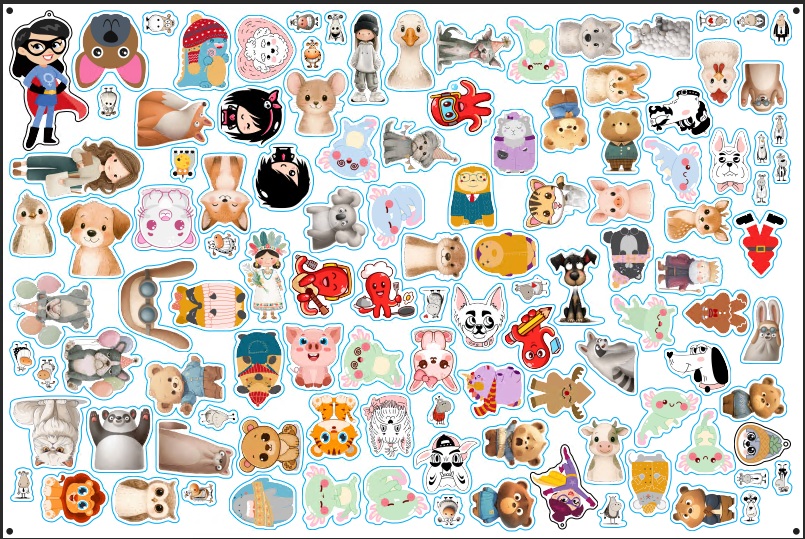
Processes 113 polygon parts on a 600×400mm sheet in 9 seconds. Group nesting processes 118 parts in 5 seconds (tested on i9 14900K).
What is sheet nesting?
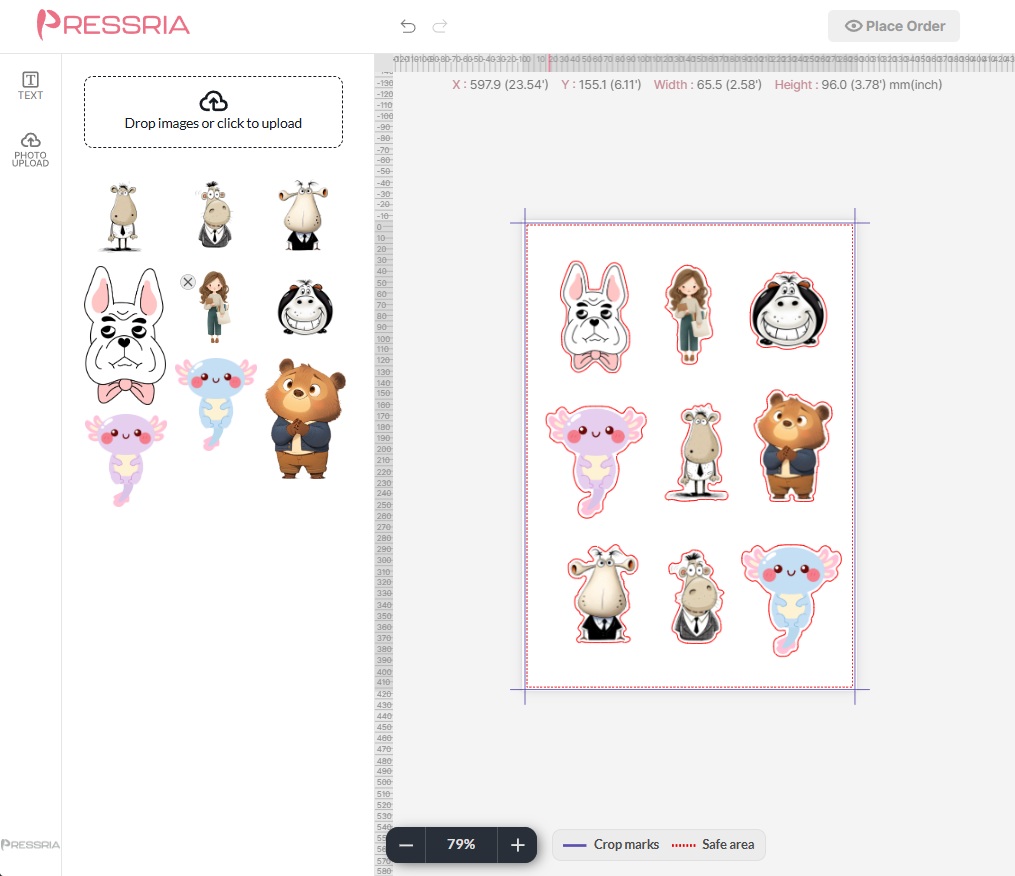
Sheet nesting arranges mixed-size rectangular print jobs onto fixed-size sheets in real time — items are placed instantly with no processing delay. It automatically applies RegisterMark, white underlay, and overprint settings, and opens the result directly in Illustrator. Ideal for UV flatbed printers and signage production.
How much does it cost?
Free includes Sheet Nesting (real-time rectangular layout with RegisterMark, white underlay, and Illustrator output). Pro is $79/mo (or $790/yr, ~16% off) and unlocks True Shape NFP Nesting, the full sticker pipeline, auto cut line generation, background removal, and Hotfolder + WebSocket / CEP Illustrator sync.
What are the system requirements?
Windows 10/11 64-bit, a 64-bit multi-core CPU, 8 GB RAM or more, and Adobe Illustrator 2021 or later. No high-end hardware required — it runs smoothly even on a 13-year-old Intel Xeon workstation. Keep your existing PC; no hardware upgrade or equipment purchase needed.
Can I use it for DTF gang sheet production?
Yes. Pressria Bridge supports gang sheet workflows for DTF, vinyl, and label printing. Drop your PDF designs into the hot folder with quantities in the filename, and PB automatically duplicates, nests, and generates print-ready gang sheets with cut lines.
Can I connect this to my WooCommerce store?
Yes.
Pressria for WooCommerce is available free on the WordPress.org plugin directory — install it from Plugins > Add New and search "Pressria". It embeds the product customizer in your store, so customers design on your own product pages and every order generates a print-ready PDF. Those PDFs are exactly what Pressria Bridge takes as input, so the storefront and the prepress side connect end to end. One clarification: the link runs through the Pressria web platform — Pressria Bridge itself is a Windows desktop application and does not talk to WooCommerce directly. A Shopify integration is in preparation.
What cut line types are supported?
Pressria Bridge auto-generates CutContour (for die-cut) and PerfCutContour (for kiss-cut) spot color layers. Cut lines are created from the design shape after automatic background removal, with adjustable offset distance.
What if Windows shows a SmartScreen warning during installation?
In rare cases — typically on older Windows builds or with stricter security policies — Windows SmartScreen may display a warning for newly released versions. If this happens, click "More info" and then "Run anyway" to proceed. The installer is digitally signed and safe to run.